

Almost everyone who starts learning network administration gets stuck at the same point: subnetting. IP addresses, subnet masks and notations like /24 or /26 look confusing at first, and in a job interview you are almost guaranteed to hear “which network does this address belong to?” In this article, we explain what subnetting is, how a subnet mask works and how to divide a network into subnets, step by step and with simple examples. The goal is not to memorize formulas but to understand the logic, so you can solve any task with just pen and paper.
What is an IP address, really?
An IPv4 address is a 32-bit number. To make it readable for humans, we split it into four parts separated by dots, called octets. Each octet is 8 bits and can take a value from 0 to 255. For example, the address 192.168.10.25 looks like this in binary:
192 .168 .10 .25
11000000 .10101000 .00001010 .00011001
Every IP address has two parts:
- Network part — shows which network the device belongs to;
- Host part — identifies a specific device (computer, printer, phone) within that network.
So where is the boundary between these two parts? This is where the subnet mask comes in.
What is a subnet mask and how do you read it?
A subnet mask is also a 32-bit number, and it shows which bits of an IP address belong to the network and which belong to the host. The consecutive 1s from the left of the mask mark the network part, and the remaining 0s mark the host part.
255.255.255.0
11111111.11111111.11111111.00000000 → 24 network bits, 8 host bits
To write a mask in short form, we use CIDR (Classless Inter-Domain Routing) notation: the number of ones is written after a “/”. So 255.255.255.0 and /24 mean the same thing. The most common masks are:
/24= 255.255.255.0 — 256 addresses, 254 usable hosts;/25= 255.255.255.128 — 128 addresses, 126 hosts;/26= 255.255.255.192 — 64 addresses, 62 hosts;/27= 255.255.255.224 — 32 addresses, 30 hosts;/28= 255.255.255.240 — 16 addresses, 14 hosts;/30= 255.255.255.252 — 4 addresses, 2 hosts.
Why do we always “subtract 2”?
In every subnet, two addresses are not assigned to devices. The first is the network address, where all host bits are 0, and the last is the broadcast address, where all host bits are 1. That is why the number of usable hosts is calculated as follows:
Number of hosts = 2^h − 2 (h is the number of host bits)For example, a /26 has 32 − 26 = 6 host bits: 2⁶ − 2 = 62 hosts.
Why do we need subnetting?
Imagine a company office in Baku with sales, accounting and management departments, and all the computers sit on one large network. This causes several problems:
- Broadcast traffic reaches every device, and the load grows as the network grows;
- Security suffers — anyone can reach the accounting server directly;
- Management gets harder — it takes a long time to find which department a problem is in;
- Addresses are wasted — there is no point in giving a 254-address network to a department with 20 devices.
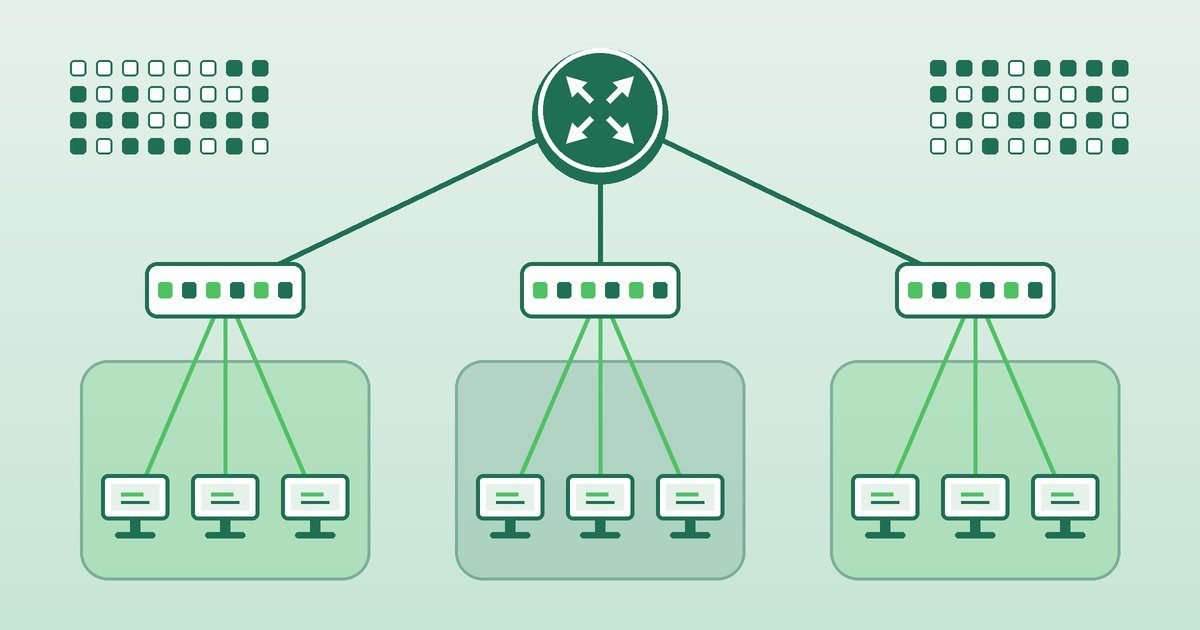
Subnetting means dividing a large network into smaller logical parts. Each department gets its own subnet, traffic between them passes through a router or a Layer 3 switch, and access rules can be applied there. In practice, subnetting is usually combined with VLANs: each VLAN is assigned one subnet.
Who needs subnetting?
This topic is not just for network administrators. System administrators use subnetting knowledge every day when assigning static addresses to servers, DevOps and cloud engineers when placing resources in virtual networks (for example, in VPCs and subnets on cloud platforms), and cybersecurity specialists when writing firewall rules and analyzing network traffic. Even for a Help Desk specialist, the answer to “why won’t this computer connect to the network?” often lies in a wrong mask or gateway address.
Step-by-step example: dividing a /24 network into 4 equal parts
We are given the 192.168.10.0/24 network and need to divide it into 4 equal subnets.
- How many bits do we need to “borrow”? 2 bits are enough for 4 subnets, because 2² = 4.
- New prefix: 24 + 2 =
/26, so the mask is 255.255.255.192. - Block size: 256 − 192 = 64. Each subnet consists of 64 addresses.
- List the subnets: start at 0 and add 64 each time.
Subnet Host range Broadcast
192.168.10.0/26 192.168.10.1 – .62 192.168.10.63
192.168.10.64/26 192.168.10.65 – .126 192.168.10.127
192.168.10.128/26 192.168.10.129 – .190 192.168.10.191
192.168.10.192/26 192.168.10.193 – .254 192.168.10.255
This “block size” method saves the most time in exams and interviews: subtract the last octet of the mask that isn’t 255 from 256, and the subnets increase in steps of that number.
Which subnet does a given address belong to?
A frequently asked question: what are the network address, broadcast address and host range for 192.168.10.150/26?
Method 1: using the block size
For a /26, the block size is 64. The multiples of 64 are 0, 64, 128 and 192. The number 150 falls between 128 and 192, so:
- network address —
192.168.10.128; - broadcast —
192.168.10.191; - host range —
192.168.10.129–192.168.10.190.
Method 2: using a binary AND operation
This is exactly how devices calculate it themselves: a bitwise AND is performed between the IP address and the mask. It is enough to look at the last octet only:
150 = 10010110
192 = 11000000
AND = 10000000 → 128
The result is the same: the network address is 192.168.10.128. Doing this by hand once helps you see that subnetting isn’t “magic” — it’s just a bit operation.
VLSM: as many addresses as each department needs
In real offices, departments are not the same size. In this case, VLSM (Variable Length Subnet Mask) is used, meaning masks of different lengths. Let’s say the 192.168.20.0/24 network needs to be divided as follows:
- Sales — 100 devices;
- Accounting — 50 devices;
- Management — 20 devices;
- Link between two routers — 2 addresses.
The rule is simple: start with the largest requirement and choose the smallest block that fits each one.
Sales (100) → /25 (126 hosts) 192.168.20.0 – 192.168.20.127
Accounting (50) → /26 (62 hosts) 192.168.20.128 – 192.168.20.191
Management (20) → /27 (30 hosts) 192.168.20.192 – 192.168.20.223
Router link (2) → /30 (2 hosts) 192.168.20.224 – 192.168.20.227
After this allocation, the addresses from 192.168.20.228 to 192.168.20.255 remain free for future needs. If you had started with the small blocks, it could have been harder to find a contiguous free range for the large department.
Practice in Cisco IOS and Python
Once you know how to do the math, the next step is to apply it on a device. Here is how you assign an address from a subnet to an interface on a Cisco router:
Router(config)# interface GigabitEthernet0/0
Router(config-if)# ip address 192.168.20.1 255.255.255.128
Router(config-if)# no shutdown
Here, 192.168.20.1 will act as the default gateway for the sales department. Note that in Cisco IOS, the mask is written in dotted decimal format, not in CIDR notation, when assigning an address.
To check your own calculations, you can use Python’s standard ipaddress module — no extra installation required:
import ipaddress

net = ipaddress.ip_network("192.168.10.0/24")
for sub in net.subnets(new_prefix=26):
 print(sub, sub.netmask, sub.num_addresses - 2)

host = ipaddress.ip_interface("192.168.10.150/26")
print(host.network) # 192.168.10.128/26
Tip: solve the task by hand first, then check it with code. Relying entirely on calculators and scripts won’t help you during an exam or an interview.
Common beginner mistakes
- Assigning the network or broadcast address to a device. For example, assigning
.64or.127to a computer in a /26. - Forgetting the “−2”. A /26 is enough for 50 devices, but 63 devices already need a /25.
- Calculating the block size in the wrong octet. With masks like /20 (255.255.240.0), the block size works in the third octet: 256 − 240 = 16, so the subnets increase as 0, 16, 32... in the third octet.
- Confusing private and public addresses. Internal networks usually use private ranges:
10.0.0.0/8,172.16.0.0/12,192.168.0.0/16. These addresses don’t go out to the internet directly; NAT is used for them.
How to master subnetting
- Write out the masks from /24 to /30, their block sizes and host counts as a table by hand several times.
- Every day, take 5–10 random addresses and find the network, broadcast and host range.
- Think up an office scenario and create an addressing plan using VLSM.
- Build the plan in a simulator such as Cisco Packet Tracer and test it with
pingbetween devices.
After a few weeks of regular practice, subnetting calculations usually take seconds rather than minutes.
Conclusion
Subnetting is the ABC of network engineering: VLANs, routing, DHCP, firewall rules — all of them rely on a well-designed addressing plan. Once you understand the network and host parts of an IP address, the role of the subnet mask, the block size method and VLSM, you’ll approach network design with much more confidence. This topic is also one of the key parts of the CCNA exam and network administrator interviews.
If you want to learn this systematically, together with real hardware configuration, VLANs and routing, take a look at the Cisco CCNA course — subnetting is covered there as a separate topic with hands-on exercises.